Make your apps and websites multilingual
easyi18n translates app text and website content with AI guided by your project’s context and glossary. Review and edit translations in your browser. Your manual edits stay in place when AI fills missing or outdated translations.
Free plan. AI credits included. No credit card required.
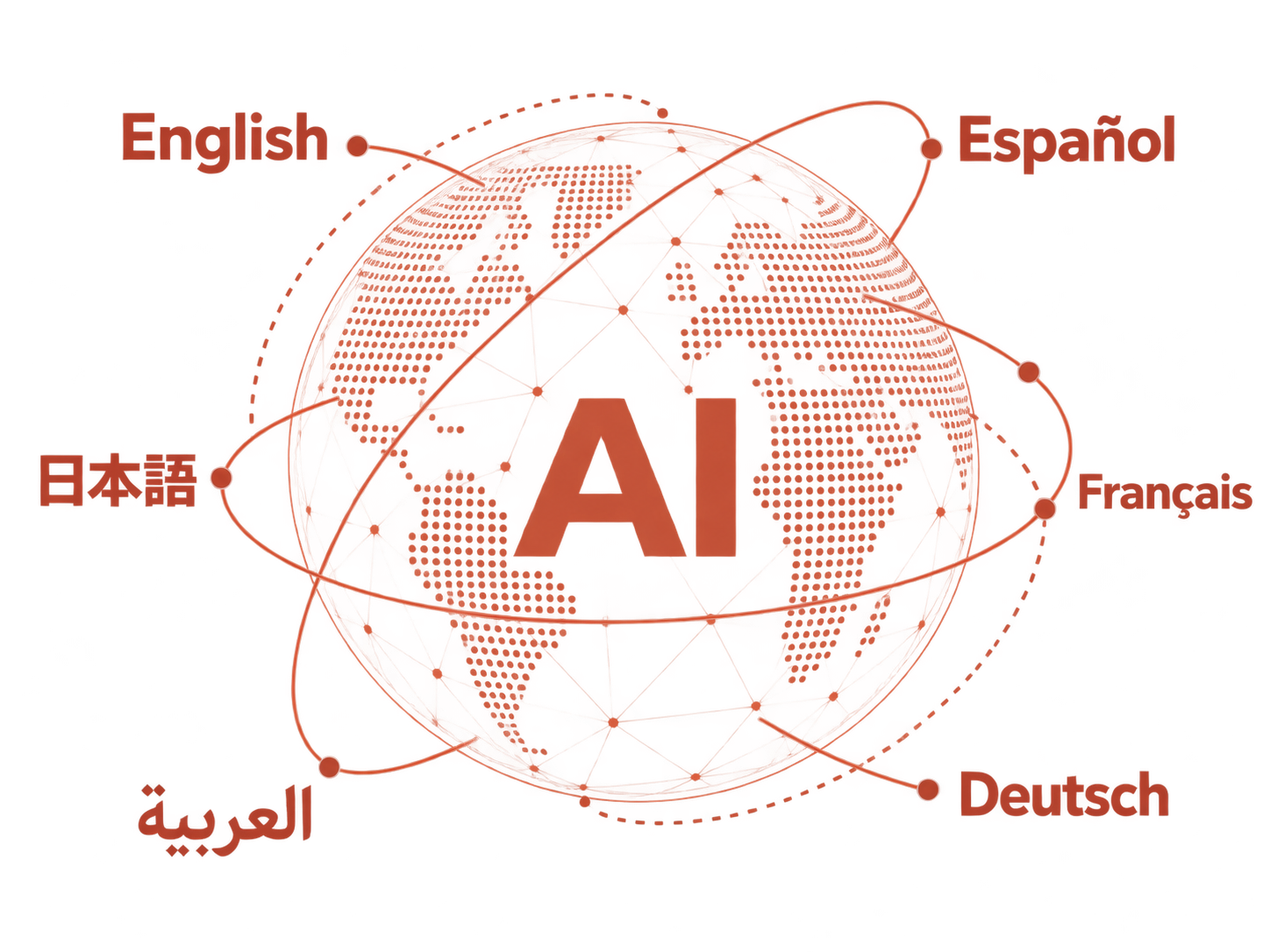
Ship your app in more languages
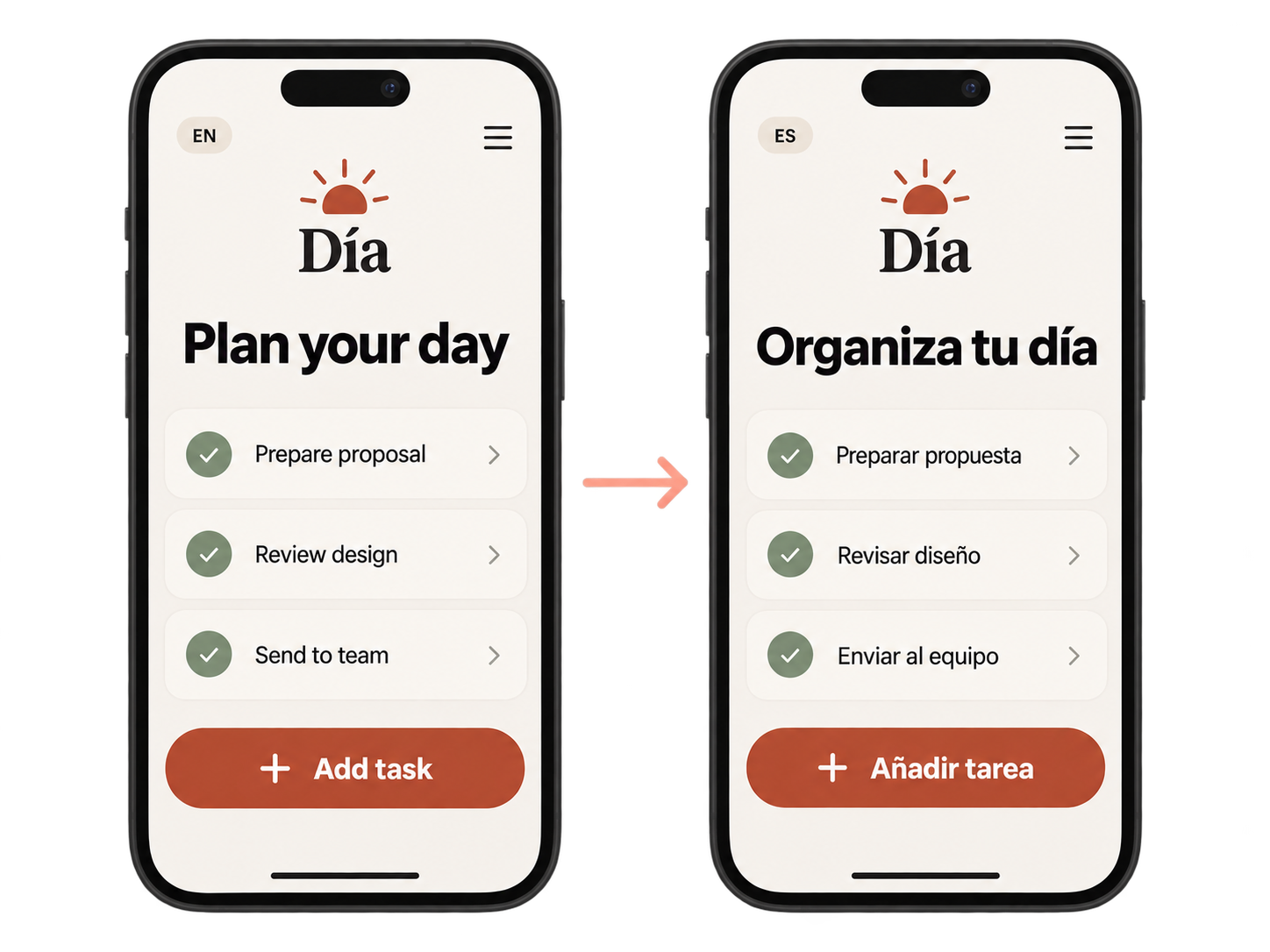
Bring in your app’s text, from buttons to error messages. Reviewers can edit translations in the browser without opening your code. Publish a version, then pull the translated files into your app.
If your app already uses localization files, keep your existing localization system and build process.
Connect Flutter, Xcode String Catalogs or web apps using i18next, Transloco or ngx-translate. Through MCP, your coding agent can set up the integration, translate app strings and publish versions. You approve operations that spend credits or publish before they run.
Publish your website in more languages
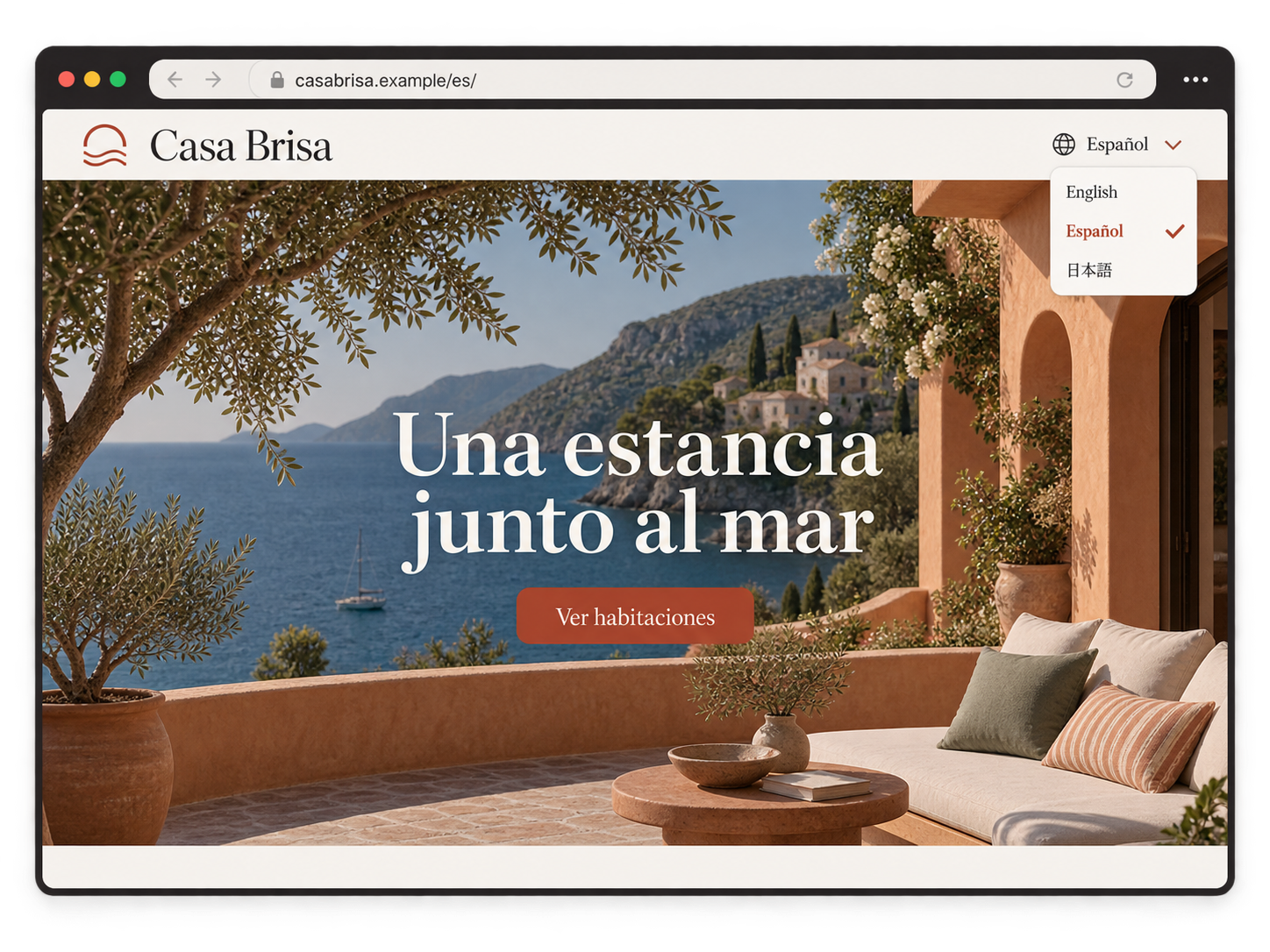
Connect WordPress with the easyi18n plugin to translate posts, pages, menus, and text from your theme and enabled plugins. Keep writing in the WordPress editor; review and publish translations in easyi18n.
Visitors can switch languages and read translated pages without duplicate posts to maintain. Language-specific URLs help search engines find each version.
Building a custom website? Use the API to connect HTML, Markdown or plain-text content to your site. This path requires development work.
Update translations as your product changes
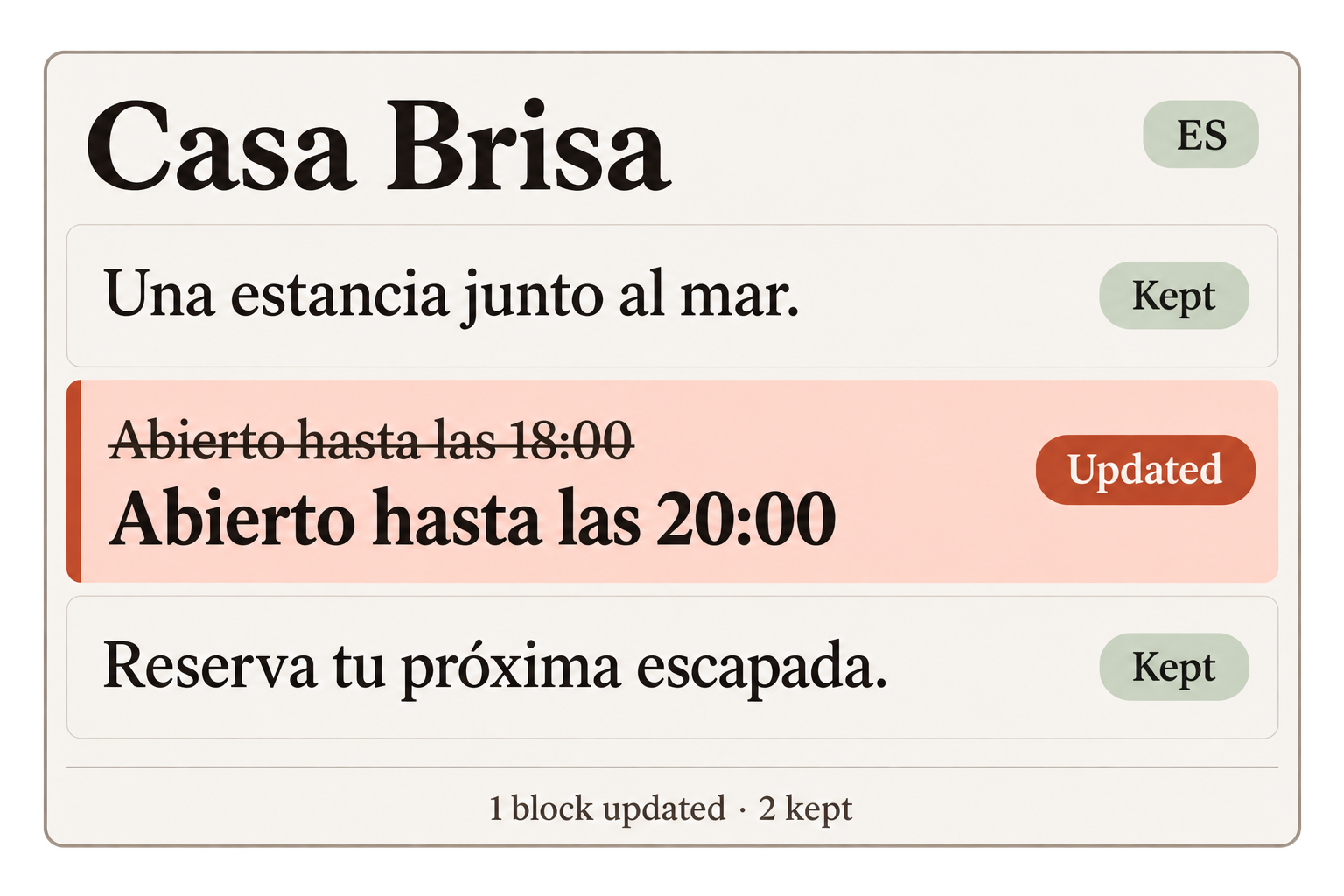
See which translations are out of date when the source text changes. For website documents, unchanged blocks keep their translations. AI updates the blocks that need translation, so changing a paragraph doesn’t mean translating the whole page again.
A project’s glossary applies to both app text and website content. Define product names and preferred terms once for that project.
Editing a translation doesn’t change the published version. You choose when to publish the changes. If you need to go back, restore a previous published version while it remains in your history.
Before you start
Can I use my own translations?
Yes. Import existing translations or write them in the browser. You can keep a language in manual mode, where AI does not write translations.
Can I take my translations with me?
Yes. Your projects remain exportable on every plan, including after a downgrade to Free.
Where does my text go for AI translation?
Your text and project context go to the AI provider you select: Anthropic, OpenAI or Google.
Try it with your own content
Start with a page or a set of app strings. Use the Free plan’s AI credits to translate them and review the result before choosing a paid plan.